

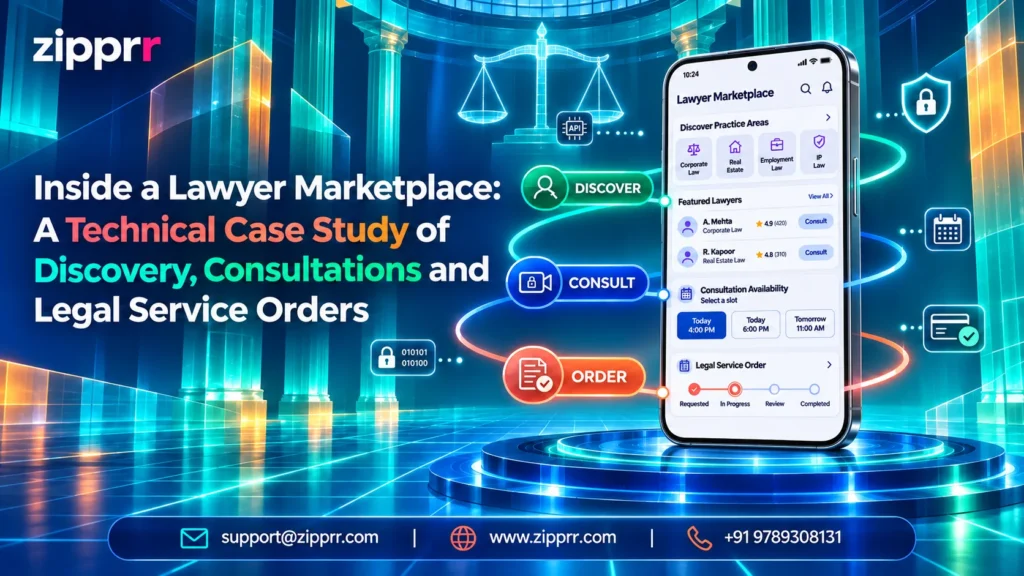
A digital lawyer marketplace is one web platform where people looking for legal help can find a lawyer, book a consultation or order a defined legal service. Lawyers use it to present their practice, receive requests and track what they earn.
Case file · Technical case studyExecutive Summary: What Is a Lawyer Marketplace Script?
This case study looks at the workflows of a ready-made lawyer marketplace script offered by Zipprr. Also, it is a technical analysis of listed capabilities, not a client success story. The software runs on Laravel (PHP) with a Bootstrap and jQuery front end, and it has three roles:
Register, search, book consultations, place service orders, chat, pay and leave reviews.
Build profiles, publish services, manage bookings and orders, and track earnings and payouts.
Approve accounts, manage categories and plans, configure payments and KYC, and oversee transactions and reviews.
Please note: this is software analysis, not legal advice. Registering on a marketplace does not by itself create an attorney-client relationship. That is a question for each lawyer's own engagement terms and local rules.
An Illustrative Scenario: A Solo Lawyer With Three Offers
The following scenario is hypothetical. It describes no real firm or deployment.
Picture an independent lawyer, call her Anita, who runs a small commercial practice. She wants to offer three things online:
Today these live in phone calls, email threads and bank transfers. The rest of this article follows her through the lawyer marketplace.
The Lawyer Workflow in a Lawyer Marketplace, Step by Step
Step 1: Onboarding and Verification
Anita registers as a lawyer and submits her professional details. The administrator can then review her account using the configurable KYC settings for lawyers before approving it.
Benefit: As a result, clients see profiles that an operator has reviewed.
Limitation: However, platform verification is not the same as a bar council or regulator check. In addition, what KYC actually collects depends on how the operator configures it. Moreover, lawyers should not present "verified" as proof of licence.
Where the operator enables subscription plans, Anita also picks a plan. Furthermore, her dashboard then shows a usage overview, for instance how many services she has created against her plan's limit.
Step 2: Profile, Practice Areas and Service Listings
Next, she adds her specialization and professional details, and picks practice-area categories such as contracts or property from the admin-managed catalogue. Then she publishes her services, each stating what is included, such as the page limit and turnaround.
Benefit: As a result, clients compare scope and specialization before they make contact.
Limitation: However, the profile is only as accurate as what the lawyer writes. Besides, professional advertising rules in her jurisdiction still apply.
Step 3: An Incoming Inquiry
A client signs up, either with email or with social login if the operator enables it. The client then searches by category, expertise and availability. Likewise, they open Anita's full profile, read past reviews and choose an action: message her, book a consultation or order a service.
Step 4: Consultation Booking or Service Order
This key choice is explained in the next section. Either way, the marketplace creates a record that both sides see in their dashboards.
Step 5: Messaging
Next, the client and lawyer use the built-in chat to clarify facts and share requirements. The admin panel includes a Pusher configuration, which suggests real-time messaging. However, test this in the live demo rather than assuming it.
Limitation: However, video calls are not listed. Therefore, if consultations happen by video, the firm will need a separate tool.
Step 6: Work Status
As work moves forward, the order status changes and email notifications keep both sides informed.
Step 7: Payment, Earnings and Payouts
Payment runs through the gateways the operator has enabled. The script supports integration with 30+ online gateways, yet which ones work depends on the version and configuration. Also, clients see payment logs and any refund balance. In addition, Anita sees an earnings and orders chart for reconciliation.
When she wants her money, she submits a withdrawal request. The administrator then processes it through the configured withdrawal methods. After completion, the client may leave a review, which can pass through a moderation queue.
Appointment Booking vs Legal Service Order in a Lawyer Marketplace
Both create records, but they solve different problems.
The client buys a slot to talk. As a result, the outcome is advice or a decision about next steps, and the record tracks date, time and status.
Example: Anita's 30-minute initial consultation about a supplier dispute.The client pays for a scoped piece of work, and the record tracks the order from request to delivery.
Examples: a lease review with a written summary of risky clauses; a drafted legal notice for an unpaid invoice.Bookings suit work where the scope is unknown, while service orders suit repeatable, scoped work. A sensible pattern is to start with a consultation, then convert it into a service order.
Which model fits your practice?
Pick the option that sounds like your practice.
Ask Zipprr on WhatsAppThe same two patterns appear in other Zipprr products. Slot booking drives the Zipprr Practo Clone for doctor appointments, and fixed-scope ordering drives the Zipprr Fiverr Clone freelance marketplace.
Lawyer Tasks Mapped to Lawyer Marketplace Features
How a Request Moves Through the Lawyer Marketplace
How to read it: discovery happens between the client and the marketplace. The request then becomes a stored record before the lawyer is involved, which gives both sides a shared reference. The lawyer responds through the platform, so the status change and the conversation stay linked to that record.
Payment and its log are stored separately, and payment timing depends on configuration. The administrator sits outside the daily flow and oversees KYC, bookings, payments, reviews and withdrawals.
Technical Architecture of the Lawyer Marketplace
Role-Based Access
Clients, lawyers and administrators each get a separate panel with distinct permissions. Zipprr lists 55 client features, 56 lawyer features and 81 admin features. Both client and lawyer accounts support two-factor authentication. In addition, good role separation means lawyers and clients see only their own bookings, orders and chats, while administrators get oversight tools.
Core Data Records
The model below is illustrative, not the product's actual schema.
userswith a role (client, lawyer, admin), 2FA and KYC statuslawyer_profileswith specialization, bio and category linkscategoriesfor practice areas, managed by the adminlegal_servicesowned by one lawyer, with scope and pricebookingslinking client, lawyer, slot and statusservice_orderslinking client, lawyer, service, a price snapshot and statusmessageslinked to a conversation between one client and one lawyerpayments / transactionslinked to a booking or orderwithdrawalslinked to a lawyer and a withdrawal methodreviewslinked to a completed booking or order, with a moderation stateplans / subscriptionsfor lawyer participationBooking and Order States
An illustrative order lifecycle runs through these states. Only certain moves should be allowed; a declined order should never jump to completed.
Messaging, Payments and Admin Review
Each conversation should reference the client, the lawyer and, ideally, the booking or order it concerns. Moreover, payments should be immutable log entries rather than editable fields. That way, admin oversight, support tickets and report management all point back to the same records when a dispute needs follow-up.
Platform settings cover general configuration, notifications, payment gateways, SEO, languages, GDPR cookie consent and maintenance mode.
Code Example: A Laravel Service Order Workflow
Illustrative implementation pattern — not the product's source code.
<?php
// Illustrative implementation pattern — not the product's source code.

class ServiceOrderController extends Controller
{
    public function store(Request $request)
    {
        $data = $request->validate([
            'service_id' => ['required', 'integer', 'exists:legal_services,id'],
            'brief'      => ['required', 'string', 'max:2000'],
        ]);

        $service = LegalService::where('is_active', true)->findOrFail($data['service_id']);
        $this->authorize('order', $service); // client role, not the service owner

        return ServiceOrder::create([
            'client_id'  => $request->user()->id,
            'lawyer_id'  => $service->lawyer_id, // from the service, never from input
            'service_id' => $service->id,
            'price'      => $service->price,     // price snapshot at order time
            'brief'      => $data['brief'],
            'status'     => OrderStatus::Pending,
        ]);
    }

    public function respond(Request $request, ServiceOrder $order)
    {
        $this->authorize('respond', $order); // only the assigned lawyer

        $data = $request->validate(['decision' => ['required', 'in:accept,decline']]);
        $next = $data['decision'] === 'accept' ? OrderStatus::Accepted : OrderStatus::Declined;

        abort_unless($order->status->canTransitionTo($next), 422, 'Invalid status change.');

        DB::transaction(function () use ($order, $next, $request) {
            $from = $order->status;
            $order->update(['status' => $next]);
            $order->statusLogs()->create([
                'from' => $from, 'to' => $next, 'changed_by' => $request->user()->id,
            ]);
        });

        return $order->fresh();
    }
}
Why this matters to lawyers: the lawyer on an order comes from the service record, so a client cannot route a matter to the wrong person. The price is captured at ordering time, so later price edits do not change agreed work. Only the assigned lawyer can accept or decline. Every status change is logged, which gives the firm a clear history if a client later disputes what happened.
The authorize() calls follow the policy pattern described in the Laravel authorization documentation.
Professional Safeguards for Lawyers
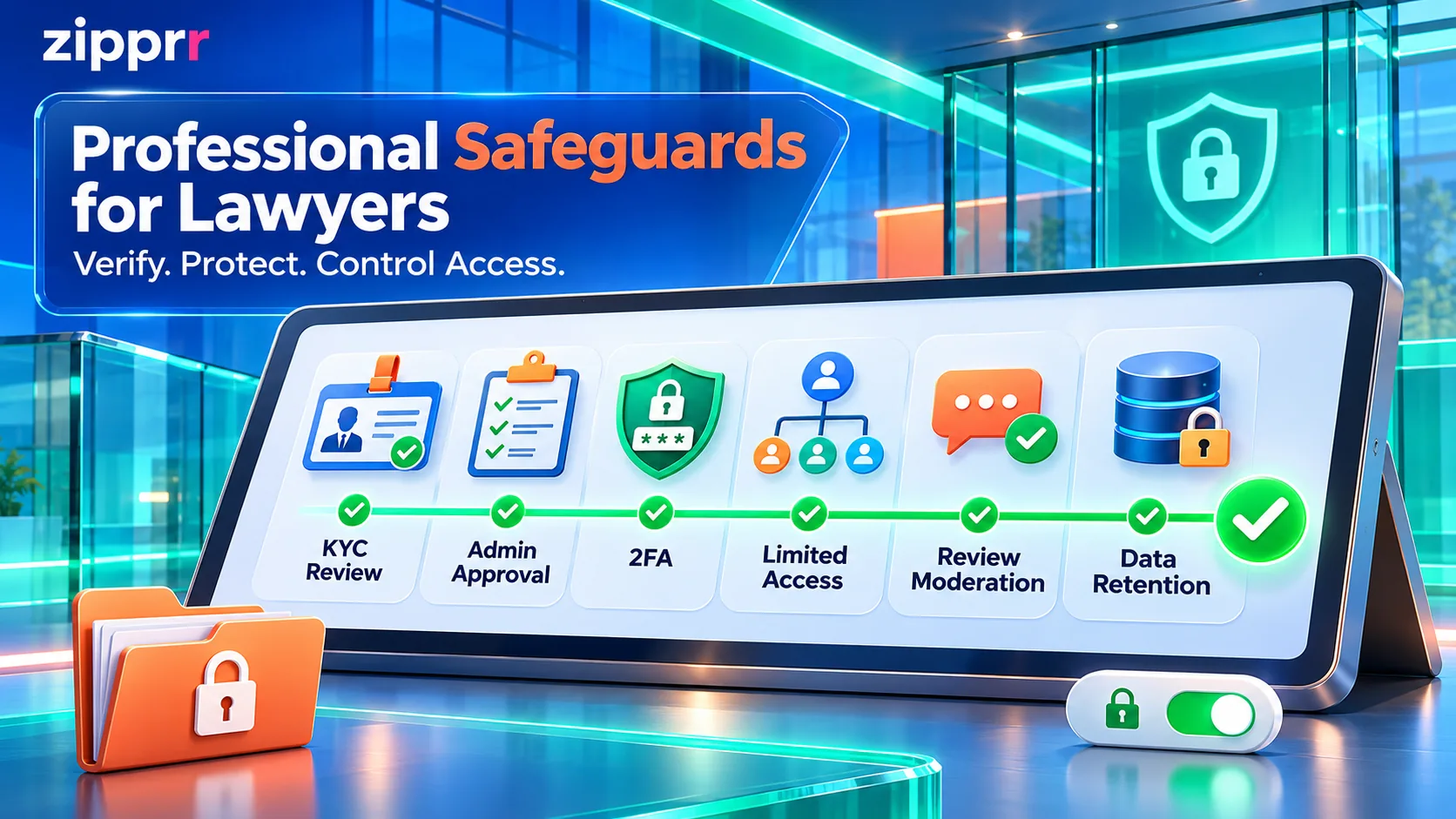
Confirmed product features
Operational recommendations (not built-in features)
- Accurate profiles. List only practice areas you actually handle, and follow local advertising rules.
- Verification review. Treat platform KYC as an operator check, not a licence guarantee.
- Confidential intake. Ask clients for a short summary first. Collect sensitive documents only after you accept the matter.
- Limited access. Agree with the operator who can read chats and order briefs.
- Manual conflict checks. Conflict checking is not listed as a feature. Run your own check before accepting any booking or order.
- Retention decisions. Decide how long messages and files stay on the platform, and export what your rules require you to keep.
- Engagement terms. Make clear when an attorney-client relationship begins under your local professional conduct rules.
Matter management, billing and e-signatures inside the firm need a different tool; see this legal practice management SaaS case study. A marketplace finds and books clients, while practice management runs the matter afterwards. For AI-assisted drafting and review inside a firm, Zipprr offers separate AI lawyer software.
Commercial Use Cases for a Lawyer Marketplace
The same platform can support several business models:
For one city or region.
Covering family, property and business law.
Built around paid first meetings.
Selling fixed-scope documents and reviews.
Founders who prefer a broader on-demand services model can compare it with the Zipprr UrbanClap Clone. All Zipprr clone products are independently developed and not affiliated with the brands they reference.
What Lawyers Should Test in the Live Demo
See the Lawyer Marketplace in Action
If you run a law firm or plan to launch a legal services marketplace, explore the full feature set on the Zipprr lawyer marketplace script page. Then test the workflows above yourself: book a free Zipprr demo and walk through the client, lawyer and admin panels with the team.
FAQs About the Lawyer Marketplace
Does joining a lawyer marketplace create an attorney-client relationship?
Not automatically. A marketplace account or booking is a software record. Whether a professional relationship begins depends on the lawyer's engagement terms and local conduct rules, so lawyers should state this on their profile.
Does platform KYC verify a lawyer's licence?
Not necessarily. KYC settings let the operator define what professional details to collect and review. That is an operator check, not a regulator's confirmation. Furthermore, clients and firms should verify licence status through the relevant bar council or regulator.
Should I offer consultations, service orders or both?
Most lawyers benefit from both. Besides, consultations suit matters with an unclear scope, and service orders suit repeatable work like contract reviews or notice drafting.
Which payment gateways and payout methods are supported?
The script supports integration with 30+ online payment gateways and configurable withdrawal methods. Which ones work in a given deployment depends on the version, the region and the operator's setup. Confirm gateways, fees and payout timing during the demo.
Does the marketplace include video calls or conflict checks?
Neither is listed as a built-in feature. Likewise, consultations can be arranged through bookings and chat, and video can run on a separate tool. Also, conflict checks should be done manually by the firm before accepting any matter.