

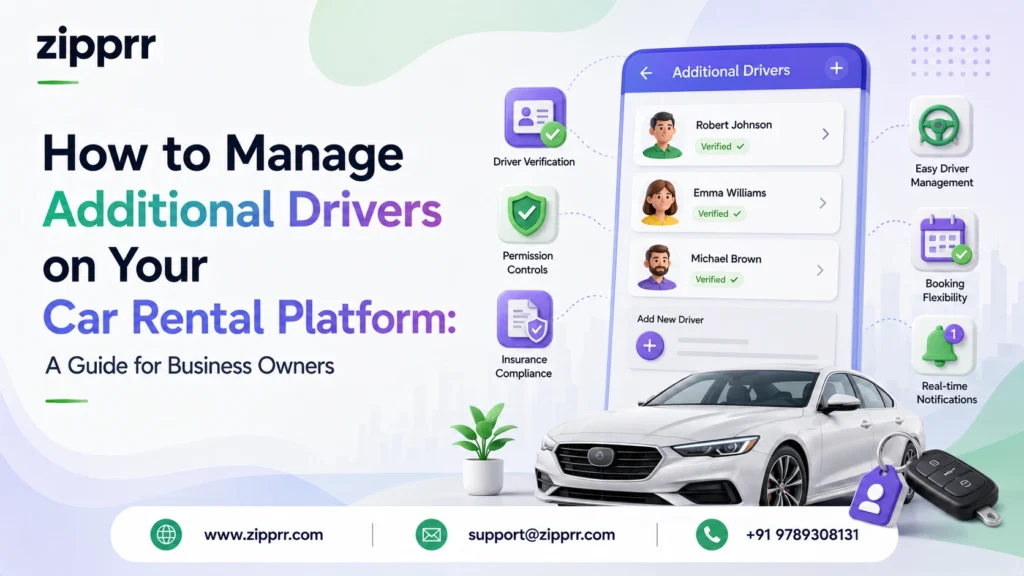
Why Additional Driver Rules Matter for a Car Rental Business
Anyone running or building a p2p car rental platform quickly discovers that “can I add another driver” is one of the most frequent asks from renters. It sounds like a small convenience feature, but it touches your liability exposure, your insurance structure, and how much renters trust your platform.
New founders launching a car rental business often don’t realize how much sits underneath a feature that looks so simple from the outside. Every “Add Driver” tap triggers a chain of admin decisions — who gets verified, who’s on the hook if something breaks, how a dispute gets settled. Leave these undefined early, and you’re setting yourself up for support overload and legal risk down the line.
This piece lays out exactly how to configure additional-driver management from the admin side, and what any serious car rental script should have wired in before launch, not after.
Core Admin Panel Controls You Need for Additional Drivers
Business owners need direct control over how additional drivers are processed — this shouldn’t be left to guesswork or one-off manual decisions. A capable Turo clone dashboard should give you:
- Driver verification workflow. License, identity, and age checks need to clear — either through admin review or automated approval — before any driver is authorized to join a trip.
- Host-level driver permissions. Owners listing vehicles on your marketplace should decide for themselves whether their car accepts additional drivers, and how many.
- Liability assignment settings. Make it explicit — and system-enforced — that the primary renter carries the financial responsibility no matter who was actually driving.
- Approval status tracking. You need a platform-wide view of pending, approved, and denied requests, not just isolated records buried inside single bookings.
- Insurance eligibility rules. Configure which coverage plans automatically extend to added drivers, and which situations call for separate protection.
Getting these controls into your car rental script early prevents a lot of costly rework once your booking volume starts climbing. This is exactly the kind of admin-panel depth Zipprr builds into its car rental script from the ground up.
How to Configure Additional Driver Verification in Your Admin Panel
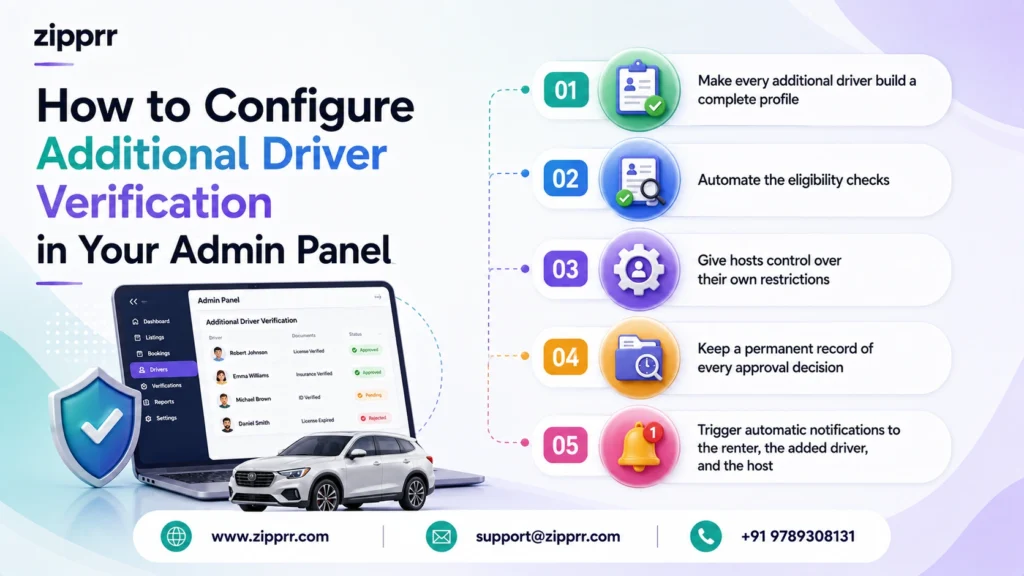
Of everything covered here, the verification workflow is the piece worth getting right first.
- Make every additional driver build a complete profile — don’t allow a name to get tacked onto a booking without real documentation behind it. This keeps verification consistent no matter who’s involved.
- Automate the eligibility checks. Age requirements, license validity, and regional rules are easy to check by hand at first — but that manual process breaks down fast once your p2p car rental operation starts handling more than a few bookings a week.
- Give hosts control over their own restrictions.Every host has a different comfort level with risk depending on their vehicle’s value, so your listing-level settings should let each one set their own terms.
- Keep a permanent record of every approval decision. That audit trail matters the moment a dispute or insurance claim surfaces later.
- Trigger automatic notifications to the renter, the added driver, and the host the instant a decision is made — this alone cuts down a meaningful share of support tickets.
A Turo clone app that already has this sequence built in, such as Zipprr’s platform, spares you the work of engineering it yourself.
Setting Liability and Financial Responsibility Rules
Few decisions matter more to a car rental business owner than how liability gets assigned once multiple drivers enter a single booking.
The pattern that holds across successful car rental business operators is consistent: whoever made the original booking stays financially responsible for the trip, regardless of which approved driver was behind the wheel when the incident happened. Your admin panel needs to enforce this as the default, covering:
- Damage and excess wear charged to the primary renter’s payment method
- Late fees and citations routed to that same account
- Automated flags for admins or hosts when repeat-driver patterns look unusual
Coding this logic directly into the platform — instead of settling every dispute manually — is what lets a p2p car rental business scale without drowning its support team in edge cases. Zipprr’s p2p car rental software builds this liability logic in as a default, not an afterthought.
Preventing Unauthorized Driver Use on Your Platform
Unauthorized driving isn’t only a headache for the renter — it’s a liability problem for your business, too. A platform that can’t clearly define and enforce who’s authorized opens itself up to disputes, chargebacks, and messy insurance situations.
A well-built car rental script needs to:
- Automatically block any driver who hasn’t cleared approval
- Display penalty terms plainly to renters at checkout — fines, suspension, voided coverage
- Give hosts a straightforward way to report suspected unauthorized use
- Maintain admin-level logs for every driver added, removed, or flagged
This isn’t just box-checking for compliance — it’s what stands between a manageable claim and one that spirals into a legal mess when something goes sideways on a trip you weren’t directly overseeing.
How Many Additional Drivers Should Your Platform Allow?
Nearly every founder setting up a Turo clone platform runs into this exact question. Most established peer-to-peer marketplaces cap it somewhere between 3 and 8 total drivers per booking, depending on vehicle type and how much risk the host is comfortable carrying.
As the business owner, your admin panel should let you:
- Set a default limit across the whole platform
- Let individual hosts adjust that limit per listing
- Monitor how the cap you choose affects booking conversion and repeat bookings over time
Running your own numbers against your actual user base tells you more than borrowing a competitor’s figure — what works at Turo’s scale doesn’t necessarily translate to a platform still in its early growth phase. Zipprr’s Turo clone app gives you this level of configurability out of the box, so testing different limits doesn’t require touching a single line of code.
Insurance Configuration for Multi-Driver Bookings
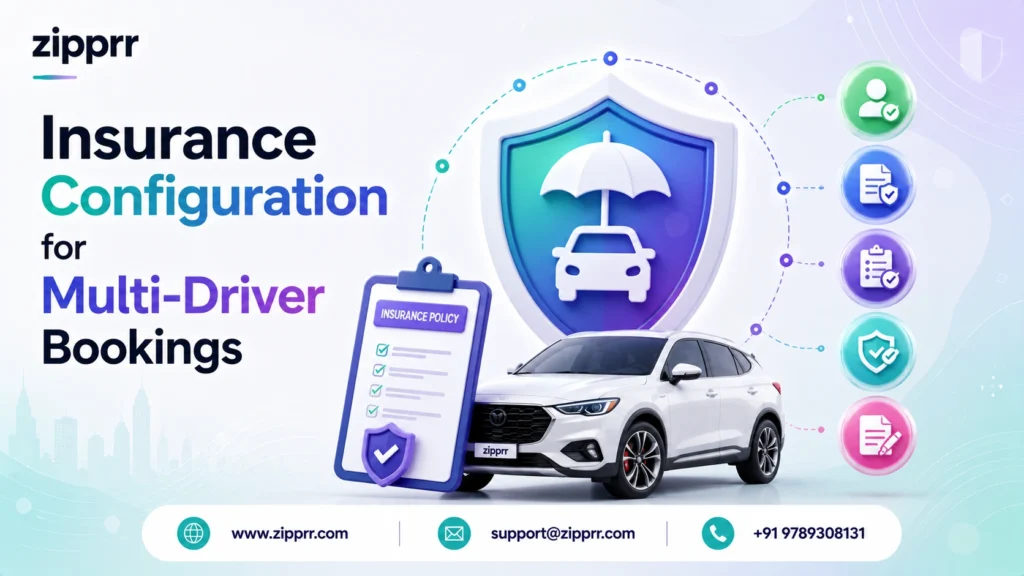
Insurance is where a lot of first-time car rental founders stumble. Getting this right at the admin level protects both your platform and the people using it.
- Decide whether protection plans cover approved additional drivers automatically, or whether they need to opt into separate coverage
- Let hosts exclude extra-driver coverage on their higher-value vehicles if they want to
- Make coverage terms fully visible to renters before they even submit a driver request
- Build in reporting so your team can track how often multi-driver claims come up and adjust policy accordingly
A serious car rental business treats insurance as core admin configuration baked into the platform from the start — not something patched in after the booking flow’s already built. This is one of the areas where a purpose-built car rental business platform like Zipprr’s pulls ahead of a custom-coded alternative.
Why This Matters for Entrepreneurs Launching a Car Rental Platform
Anyone evaluating how to launch their own rental marketplace should treat additional-driver support as non-negotiable. Turo set the expectation, and now it’s table stakes for any p2p car rental service entering the market.
This is precisely why Zipprr built full driver-management support straight into its Turo clone app, rather than leaving it as an eventual add-on. Business owners get:
- An admin panel with verification, liability, and insurance settings ready to go out of the box
- Host-side controls so vehicle owners can define their own driver policies without touching code
- Dashboards that surface approvals, rejections, and unauthorized-use flags in one place
- A car rental script foundation built to support multi-driver bookings from launch, not bolted on months later
Skipping months of custom development and legal groundwork, founders can launch with this already configured and simply fine-tune it as the platform grows. Anyone comparing platforms before launch should take a closer look at Zipprr’s Turo clone to see exactly how much of this admin groundwork comes pre-built.
Frequently Asked Questions
How should a car rental platform handle additional driver verification?
Who is liable when multiple drivers are on one car rental booking?
How many additional drivers should a car rental business allow per booking?
What admin panel features are essential for managing additional drivers?
How does Zipprr's Turo clone app handle additional driver management?
What happens if a car rental platform doesn't properly manage unauthorized drivers?
Is additional driver support a must-have feature for a new p2p car rental platform?
How does insurance work for additional drivers on a car rental platform?
Can entrepreneurs customize driver rules per vehicle listing on their platform?
Why do car rental business owners choose a Turo clone instead of building custom software?
Ready to launch your own car rental platform without building the admin logic from scratch?
Key Takeaways for Car Rental Business Owners
- Additional driver management belongs in the core admin panel, not treated as an optional extra
- Liability should default automatically to the primary renter, not get settled case by case
- Verification, insurance rules, and driver caps all need dedicated, configurable admin controls
- Blocking unauthorized drivers protects your business from disputes and coverage complications
- A ready-built Turo clone app like Zipprr’s hands entrepreneurs these controls pre-configured, skipping months of custom build time
If you’re planning to launch or upgrade a peer-to-peer rental marketplace, this is exactly the kind of admin depth worth evaluating before you commit to a platform.



