
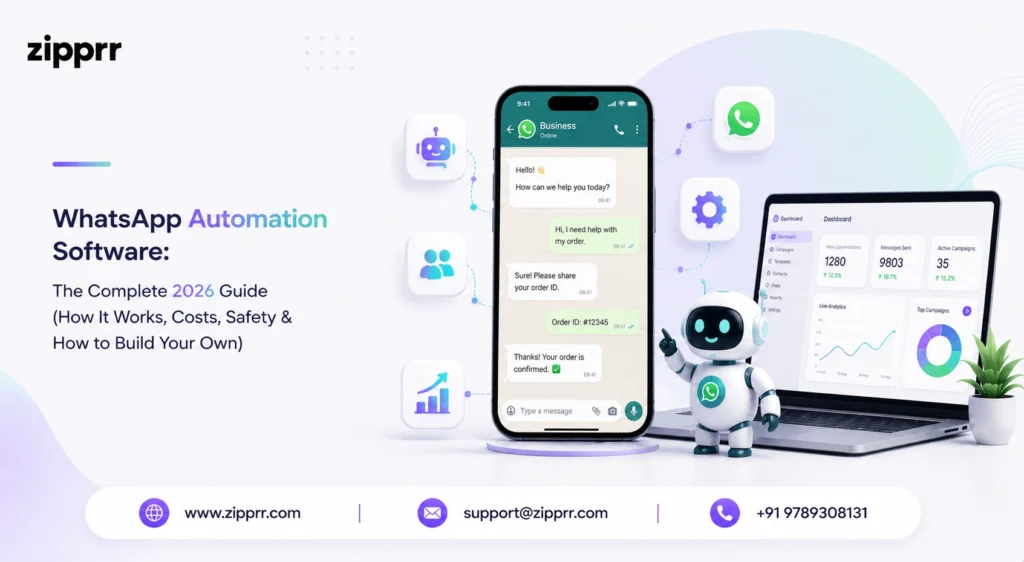
WhatsApp automation software is a tool that automatically sends messages, answers customers, qualifies leads, and runs follow-up campaigns on WhatsApp without anyone typing each reply by hand. It connects your business number to the official WhatsApp Business API, then lets you build chatbots, instant replies, broadcast campaigns, and trigger-based workflows that run around the clock. In plain terms, it turns a chat app most people already check dozens of times a day into a 24/7 sales, support, and marketing engine. This guide answers the exact questions people search before buying or building one — what it is, how it works, whether it is legal, how to avoid bans, what it costs, and how to launch your own branded platform.
By the end, you will understand both sides of the market: the monthly SaaS tools businesses subscribe to, and the one-time, source-code-owned route that lets agencies and founders run the whole thing themselves. Every section below is built around a real, public query people type into Google, so you can jump straight to the answer you need. If you already know you want to own the software, you can browse Zipprr’s ready-made clone scripts right away.
What is WhatsApp automation software?
WhatsApp automation is a platform that uses rules, triggers, message templates, and AI bots to handle WhatsApp conversations automatically, rather than replying one at a time. You set conditions once — a keyword, a form submission, a new order, a missed appointment — and the system sends the right message, routes the chat, or starts a bot flow on its own. It sits on top of the official WhatsApp Business API, which is the only sanctioned way for companies to plug outside software into WhatsApp at scale.
The category is broader than most people expect. It covers no-code chatbot builders, bulk broadcast senders, drip-campaign engines, shared team inboxes, and full conversational CRM suites. Smaller businesses usually start with auto-replies and a simple FAQ bot, while larger teams run segmented campaigns, AI agents, and live-agent handoff from a single dashboard. The common thread is removing manual, repetitive messaging so staff can focus on conversations that actually need a human.
Definition
It helps to separate the three layers that people often confuse. The messaging channel is WhatsApp itself. The connection layer is the Business API that Meta provides. The automation layer is the software you choose — that is where chatbots, campaigns, analytics, and integrations live. You always need all three; the only real decision is which automation layer you run and whether you rent it or own it. If you want a head start on that automation layer, a pre-built WhatsApp Clone script gives you the core messaging engine ready to brand.
How does WhatsApp automation work?
WhatsApp automation works by connecting your business number to the WhatsApp Business API through a provider, then building workflows that fire when a defined event happens. When a customer texts a keyword, abandons a cart, books a slot, or simply says “hi,” the engine matches that event to a rule you created and instantly sends a template, a reply, or a full chatbot journey.
The technical backbone is the API. The Business API lets a company link its own systems — CRM, online store, helpdesk, booking tool — directly to WhatsApp so data flows both ways. There is one rule worth memorising: messages your business starts (promotions, reminders, alerts) must use pre-approved templates, while a reply a customer starts opens a 24-hour “service window” in which you can chat more freely. A typical loop looks like this: a trigger fires, the software checks your rule, and it then sends a template, hands the chat to a live agent, or walks the customer down a guided flow. Modern tools add an AI layer on top so the bot can read free-text questions and answer in natural language instead of forcing rigid menus.
A simple example flow
Is WhatsApp automation legal and safe?
Yes — automating WhatsApp is legal and safe when you use the official Business API and only message people who have opted in. The danger lives entirely in unofficial tools. Anything that bypasses the official API — reverse-engineered libraries, QR-code “hijack” apps, or browser extensions that blast messages from a personal account — breaks WhatsApp’s terms and can get your number permanently banned.
WhatsApp actively hunts for unauthorised automation using protocol fingerprinting, message-velocity checks, and behavioural analysis. Numbers running unofficial bulk senders frequently survive only a few weeks before suspension, and Meta has stated it can pursue legal action against repeat abusers. The compliant path is not complicated: use the official API through an approved provider, collect clear opt-in consent, keep messages relevant and personal, respect frequency limits, and watch your quality rating. Follow those rules,s and automation stays fully above board while your number stays protected
Warning signs of a risky tool
How do you send bulk WhatsApp messages without getting banned?
To send bulk messages safely, use the official Business API, message only opted-in contacts, and send approved templates at a measured pace. Bulk messaging is completely legal on the official API — bans happen when businesses lean on unauthorised tools or spray messages at people who never agreed to hear from them.
Seasoned senders follow a short checklist. Get explicit opt-in before the first message. Warm up new numbers gradually rather than blasting thousands on day one. Personalise content so it does not read like spam. Keep template quality high to protect a “green” quality rating. And always give people an easy way to opt out. Treat your contact list as people who chose to hear from you, not a database to exhaust, and your delivery rates, reputation, and account health all stay strong.
What hurts your quality rating
What are the key features of WhatsApp automation tools?
The strongest WhatsApp automation tools combine chatbot building, broadcast campaigns, a shared inbox, and analytics in a single dashboard. When you compare options, these are the features that separate a serious platform from a basic message blaster:
- Chatbot and flow builder: No-code, drag-and-drop journeys, plus AI that understands free-text questions instead of forcing menu taps.
- Broadcast and drip campaigns: Send approved template promotions, reminders, and timed follow-up sequences to opted-in lists.
- Auto-replies and keyword triggers: Instant answers for FAQs, business hours, pricing requests, and common keywords.
- Shared team inbox with live-agent handover: Hand a conversation from the bot to a human the moment it needs one.
- CRM, e-commerce, and payment integrations: Connect your store, CRM, payment gateway, and webhooks so data flows automatically.
- Contact segmentation and tags: Group people by behaviour or attributes so every message lands as relevant.
- Analytics and quality monitoring: Track delivery, read rates, conversions, and account health in real time.
- Multi-agent roles and permissions: Let sales, support, and marketing collaborate on one number without stepping on each other.
What can you use WhatsApp automation for? (Top use cases)
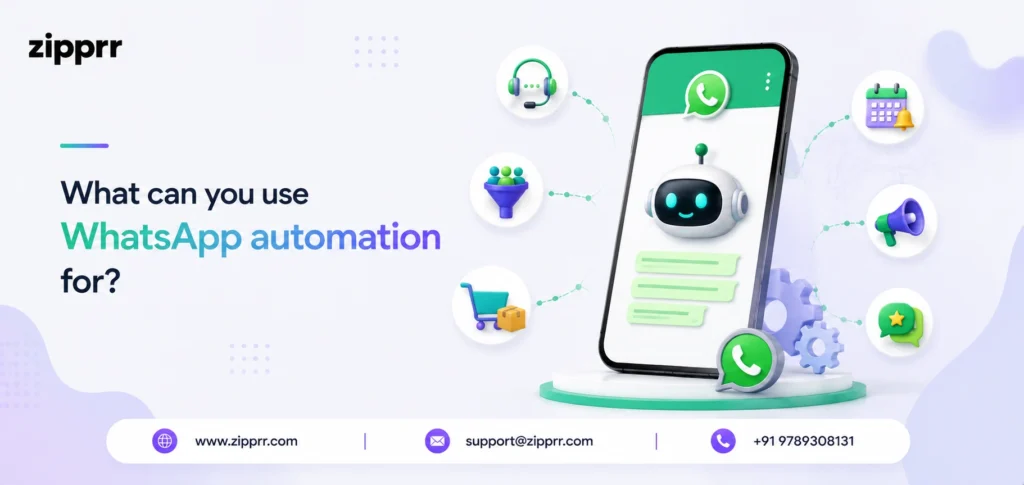
WhatsApp automation is used for customer support, lead qualification, order and delivery updates, appointment reminders, abandoned-cart recovery, and marketing campaigns. Because WhatsApp open and read rates sit far above email, businesses use it to reach customers on a channel they actually use.
The highest-value use cases show up across almost every industry. Instant 24/7 support answers FAQs and deflects routine tickets before they reach a human. Lead-qualification bots collect details and route hot leads straight to sales. E-commerce flows confirm orders, push shipping updates, and recover abandoned carts. Service businesses — clinics, salons, repair shops — send appointment and payment reminders that cut no-shows. Re-engagement sequences follow up when someone showed interest, then went quiet. And post-sale messages request reviews or run quick satisfaction surveys. In WhatsApp-heavy markets, published case studies report results like 200%+ six-month ROI, roughly a third fewer call-centre calls, and noticeably more leads than web forms.
Which industries benefit most
How much does WhatsApp automation cost?
Most subscription platforms cost between roughly $15 and $150+ per month, plus Meta’s per-conversation messaging fees. Basic rule-based chatbots start near $15/month; genuine AI plans usually begin around $50/month; and mid-tier business plans commonly land between $49 and $149/month, depending on users, message volume, and features.
Two cost layers matter here. The first is the platform fee you pay a provider for the dashboard, bot builder, and integrations. The second is Meta’s conversation charges on the Business API: service messages inside the 24-hour window are free, while utility, authentication, and marketing messages are billed at tiered, usage-based rates. Most providers either bundle these fees or pass them through transparently, so always ask which model a vendor uses before signing up. If renting forever does not appeal to you, a one-time clone-script or white-label build is the popular alternative — covered in the next two sections.
Hidden costs to watch
Can you build your own WhatsApp automation platform?
Yes — you can build your own platform with a pre-built clone script or white-label solution, and it is far faster and cheaper than coding from scratch. Building a custom system from zero can run roughly $25,000–$80,000 and take months, while a ready-made, customisable solution like Zipprr’s WhatsApp automation script can go live in weeks at a fraction of that cost.
A white-label script hands you a fully branded platform — your logo, your pricing, your feature set — with chatbot automation, broadcast campaigns, CRM and payment integrations, and multi-tenant SaaS billing already built in. That makes it ideal for two groups: agencies and founders who want to resell WhatsApp marketing as their own SaaS, and established businesses that would rather own their stack than rent it indefinitely. You control the roadmap, keep 100% of the revenue, and sidestep the per-seat fees that punish you for growing.
Build, buy, or subscribe?
Subscribing is faster to start, but it means paying forever with no ownership. Building from scratch gives total control but costs the most in money and time. A clone script sits in the middle: a one-time cost, your branding, full source code, and a launch measured in weeks. It is the same proven path founders use to launch a Zipprr Uber Clone or a Freelancer Clone. For most agencies and entrepreneurs, that middle path delivers the best balance of speed, control, and long-term economics.
Why choose Zipprr for WhatsApp automation software?
Zipprr builds ready-made, fully customisable WhatsApp automation tools and clone scripts so you can launch a branded platform fast — without the cost or timeline of building from nothing. Instead of paying a monthly SaaS fee indefinitely, you get a one-time, source-code-included solution you can brand, host, and monetise entirely on your own terms.
The Zipprr engine ships with what businesses actually need on day one: chatbot and workflow automation, bulk broadcast campaigns, auto-replies, contact segmentation, CRM and payment integrations, a multi-agent inbox, and complete white-label branding. It fits agencies reselling WhatsApp marketing as SaaS, startups entering the conversational-commerce space, and established brands that want to own their automation stack rather than rent it. Pair the platform with the official WhatsApp Business API, and you get compliant, ban-safe sending at scale. Ready to see it live? Book a free Zipprr demo, and the team will tailor the walkthrough to your use case
Quick comparison: subscribe vs. build vs. Zipprr
- Monthly SaaS tool: Low upfront cost and a fast start, but recurring fees forever, limited customisation, and no ownership of the code.
- Custom build from scratch: Full control, but $25k–$80k+ and months of development before you can launch.
- Zipprr clone script / white-label: A one-time cost, your branding, full source code, a launch in weeks, and you keep all the revenue — the strongest balance of speed, control, and cost.
How do you choose the right WhatsApp automation platform?
Choose a platform by matching its sending model, features, and pricing to your real volume and team size. Start with one non-negotiable: it must run on the official WhatsApp Business API. Everything else is secondary to keeping your number safe and your messaging compliant.
From there, weigh five practical factors. Compliance and safety come first — confirm official API support and built-in opt-in handling. Features come second — make sure the chatbot builder, campaigns, inbox, and integrations match how you actually work. Scalability comes third — check that pricing and message limits still make sense at ten times your current volume. Ownership comes fourth — decide whether renting a subscription or owning a clone script fits your long-term plan. And support comes fifth — look for onboarding help, documentation, and a responsive team. Score each option against those five, and the right choice usually becomes obvious.
Common mistakes to avoid with WhatsApp automation
The most expensive mistake is using unofficial tools to save money up front, because a banned number wipes out far more value than the subscription ever cost. After that, the errors are usually about respect for the audience: messaging people who never opted in, over-sending until recipients block you, and writing cold, generic blasts that read like spam.
Other frequent missteps include automating everything and leaving no clear path to a human, ignoring the quality rating until it is already damaged, and skipping analytics so you never learn what works. Automation should feel like faster, friendlier service — not a wall between you and your customers. Keep a human reachable, measure outcomes, and refine your flows based on what the data shows.
Ready to launch your own WhatsApp automation software?
Used the right way — on the official Business API, with opt-in consent and relevant messaging — WhatsApp automation software turns a simple chat app into one of the most reliable revenue and support channels a business can own. Zipprr can get you live in weeks with full customisation and white-label branding — or you can explore the full Zipprr clone-script catalogue to see every ready-made product.
Is WhatsApp automation free?
Is WhatsApp automation allowed by WhatsApp?
Can automation get my WhatsApp number banned?
What is the difference between the official and unofficial WhatsApp API?
Do I need the WhatsApp Business API to automate messages?
How much does WhatsApp automation cost?
What can WhatsApp automation do for my business?
Can I build and sell my own WhatsApp automation platform?
Explore more Zipprr products.
- WhatsApp Clone script — launch your own secure messaging app.
- Uber Clone — start a ride-hailing platform.
- Freelancer Clone — build a freelance marketplace.
- P2P Rental Script — run a peer-to-peer rental marketplace.
- AI Lawyer — AI-powered legal assistant software.