
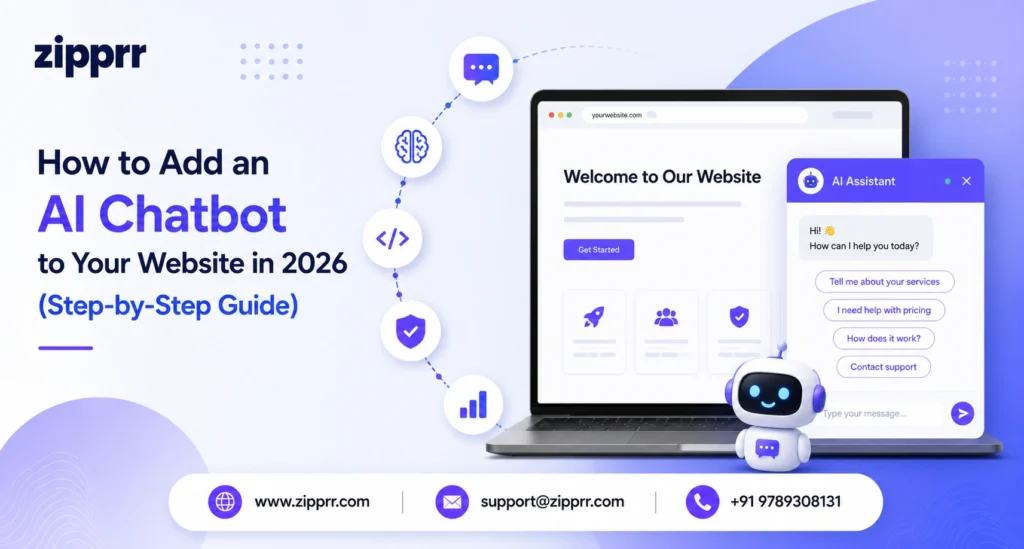
To add an AI chatbot to your website, choose a chatbot that can be trained on your own content, connect your pages, docs, or product catalog as its knowledge source, then paste the provided <script> tag into your site’s HTML. With a modern tool like Zipprr AI Chat, this takes one line of code — no SDK, no build step — and goes live in minutes.
Adding an AI chat assistant used to mean hiring a developer, wiring up an API, and hoping it didn’t break your site. In 2026 it takes a single line of code. This guide walks through exactly how to do it, the one test that separates a chatbot that helps from one that hurts, what it costs, and the mistakes to avoid — written so you can act on it today.
What is an AI chatbot for a website?
An AI chatbot — also called an AI chat assistant — is a chat tool that answers visitor questions automatically on your website using artificial intelligence. The best ones are grounded in your own content — your pages, help docs, and product catalog — so every reply is accurate to your business instead of generic or invented. Strong AI chatbots also capture leads and pass the conversation to a human when it matters.
There are two broad types:
- Scripted (rule-based) chatbots follow a fixed decision tree and only answer what you pre-program, word for word.
- AI (generative) chatbots understand natural language and generate answers from a knowledge base. A well-built one shows its sources so visitors can trust the reply.
For most businesses in 2026, an AI chatbot trained on your own content is the right choice — it handles thousands of questions without you scripting each one.
The "Grounded, Cited, Covered" test
Most chatbot guides jump straight to setup. The problem is that a badly chosen chatbot does more damage than none at all — it invents answers, frustrates buyers, and leaves them at a dead end. Before you add any AI chatbot, run it through three simple questions. This is the test Zipprr built Zipprr AI Chat around, and it’s the fastest way to judge any tool:
- Grounded — Does it answer only from your real content, or does it guess from generic AI? Grounded bots don’t hallucinate.
- Cited — Does every reply link back to the source page? Citations are how visitors (and you) trust an answer.
- Covered — When the bot reaches the edge of what it knows, can a real human take over instantly — so no lead is ever stranded?
A chatbot that passes all three converts. One that fails any of them quietly costs you customers. Keep this test in mind as you follow the steps below.
How to add an AI chatbot to your website: 6 steps
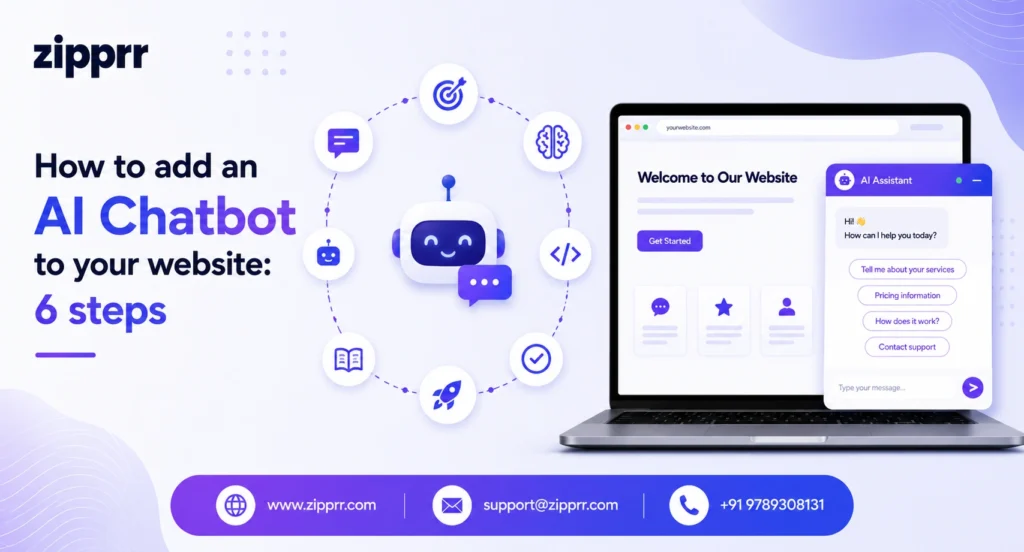
Follow these steps to go live in well under an hour.
- Pick an AI chatbot that trains on your content. Look for one that can crawl your URLs, sitemap, and docs — not just answer canned FAQs. This is what makes answers accurate. Zipprr AI Chat indexes your pages, docs, and product catalog so it answers from your real content.
- Add your knowledge sources. Point the bot at your website URL or sitemap, upload docs, or sync from Notion and Google Docs. The bot indexes this content so it can answer from it.
- Customize the persona and look. Set the bot’s name, tone, colors, launcher position, and starter prompts so it matches your brand. With a good dashboard, no coding is needed.
- Set up lead capture and human handoff. Decide when the bot asks for a name and email (on engagement, first message, or a keyword) and enable one-click takeover so a real person can step in.
- Paste the install snippet. Copy the single <script> tag and drop it into your site’s HTML — just before the closing </body> tag. It works on WordPress, Shopify, Next.js, React, Vue, Angular, or plain HTML.
- Test and publish. Open your site, ask the bot a few real questions, confirm it cites the right pages, then go live.
WordPress tip: On WordPress or WooCommerce, you can install via a companion plugin instead of editing theme files — it syncs your posts, pages, and products automatically.
What to look for in an AI chatbot (2026 checklist)
| Feature | Why it matters |
|---|---|
| Trained on your content | Accurate answers, not hallucinated guesses |
| Source citations on replies | Visitors (and you) can trust the answer |
| One-line install | Live in minutes, no developer required |
| Lead capture built in | Turns conversations into contacts |
| Human handoff | A real person steps in for high-intent chats |
| Lightweight (<50 KB) | No hit to page speed or SEO |
| Multi-language | Serves global visitors automatically |
| Self-hostable / white-label | You own your data and your brand |
AI chatbot vs. traditional chatbot: what's the difference?
| Feature Element | Traditional chatbot | AI chatbot (trained on your content) |
|---|---|---|
| How it answers | Fixed scripts you write | Understands questions, answers from your content |
| Coverage | Only pre-built flows | Thousands of questions out of the box |
| Accuracy | Exact but rigid | Accurate and flexible, with citations |
| Setup effort | Build every flow by hand | Point it at your content, done |
| Best for | Simple, repetitive menus | Real customer questions at scale |
How much does it cost to add an AI chatbot to a website?
AI chatbot pricing comes in two models. Subscription tools typically run $20–$500+ per month depending on conversation volume — costs that never stop. Source-code / self-hosted options are a one-time purchase. Zipprr AI Chat starts at $490 as a one-time payment for the full source code with a single license, and $890 for a multiple-license, done-for-you setup. The self-hosted route removes monthly fees and gives you complete ownership and white-labeling — you keep both your data and your margins.
Common mistakes to avoid
- Letting it answer from generic AI instead of your content. This causes hallucinated answers. Always train the bot on your real pages (the “Grounded” rule).
- No human handoff. High-intent buyers hit a dead end. Enable one-click takeover (the “Covered” rule).
- Hiding lead capture too early. Asking for an email before the visitor gets value kills conversions. Trigger it on intent.
- Ignoring page speed. A heavy widget hurts SEO. Choose one under ~50 KB that runs in a sealed Shadow DOM.
Ready to add an AI chatbot to your site?
Your next customer is on your website right now. Give them an AI chat assistant that knows your product, answers from your real content with citations, captures their details, and brings in a human when it counts — that’s exactly what Zipprr AI Chat delivers, starting at $490 one-time.